State machines offer a fun, visual way to introduce children to coding logic, helping them understand how systems respond to events and transition between states.

🎮 Why State Machines Are Perfect for Young Learners
When we think about teaching children to code, we often jump straight to complex programming languages or abstract concepts that can overwhelm young minds. State machines, however, provide an intuitive bridge between everyday experiences and computational thinking. They mirror how children already understand the world: things change based on what happens to them.
A traffic light is a perfect example. It doesn’t randomly flash colors—it follows a predictable pattern. Red means stop, green means go, and yellow means caution. Each color represents a different state, and the light transitions between these states in a specific order. This concept resonates with children because they’ve observed it countless times in their daily lives.
State machines teach kids that computers and programs follow rules and patterns, just like games they play or stories they read. A character in a video game might be walking, running, or jumping—each action is a state, and pressing buttons causes transitions between these states. This familiarity makes state machines an excellent starting point for understanding program flow and decision-making.
🧩 Breaking Down State Machines Into Kid-Friendly Concepts
The beauty of state machines lies in their simplicity. At their core, they consist of just a few components that children can easily grasp. A state represents a specific condition or situation. Think of it as a snapshot of what something is doing right now. A toy robot might have states like “sleeping,” “dancing,” or “talking.”
Transitions are the connections between states—the rules that determine when and how something changes from one state to another. If our toy robot is sleeping and we clap our hands, it transitions to the dancing state. The clap is what we call an event or trigger, the thing that causes the change to happen.
When teaching state machines to children, starting with physical, tangible examples works wonders. You can use colored cards to represent different states and arrows to show transitions. Let kids arrange them on a table, moving a token from state to state as they describe what triggers each change. This hands-on approach transforms an abstract concept into something concrete and manipulable.
Visual Representation Makes Everything Clearer
Children are visual learners by nature. Drawing state machines as diagrams with circles for states and arrows for transitions helps them see the entire system at once. They can trace the path of possible transitions with their fingers, predicting what will happen next. This visual mapping develops logical thinking and planning skills that extend far beyond coding.
Encourage kids to create their own state machine diagrams for everyday objects. How does a door work? It has states like “closed,” “opening,” “open,” and “closing,” with triggers like pushing, pulling, or a timer. What about a character in their favorite book? How does the character’s mood or situation change throughout the story? These exercises strengthen the connection between computational thinking and real-world understanding.
🎨 Creative Projects That Bring State Machines to Life
Theory becomes exciting when children can apply it to projects they care about. State machines provide endless opportunities for creative exploration. One engaging project involves designing a simple adventure game using state-based logic. Each room or location in the game is a state, and finding keys or solving puzzles triggers transitions to new areas.
Children can sketch their game on paper first, drawing each room and the connections between them. What do they need to do in the kitchen to access the secret garden? Perhaps they must find a watering can, which becomes the event that unlocks the transition. This planning phase teaches problem decomposition—breaking a complex project into manageable pieces.
Another fantastic project involves creating an animated character with different moods or behaviors. Using simple programming tools or even paper cutouts, kids can design a pet that responds to different interactions. Pet it, and it becomes happy. Ignore it for too long, and it gets sad or hungry. Each mood is a state, and the interactions are the triggering events.
Building Interactive Stories With State Logic
Interactive fiction provides a perfect playground for state machine thinking. Children can craft “choose your own adventure” style stories where each page or scene represents a state, and reader choices determine which state comes next. This narrative approach to state machines combines literacy, creativity, and computational thinking in a seamless package.
The process of creating these stories naturally reinforces cause-and-effect reasoning. Kids must think through the consequences of each choice, ensuring their story branches make sense and eventually lead to satisfying conclusions. They learn to anticipate edge cases—what happens if someone makes an unusual choice? This kind of thorough thinking is essential in programming and problem-solving.
🛠️ Tools and Platforms That Make State Machines Accessible
Several excellent platforms allow children to experiment with state machines without getting bogged down in syntax or complex code. Scratch, the block-based programming environment from MIT, enables kids to create state-based programs using visual blocks. They can set up variables to track states and use conditional statements to handle transitions.
In Scratch, a simple animation might use a “mood” variable with values like “happy,” “sad,” or “excited.” The sprite checks this variable and changes its appearance or behavior accordingly. When specific events occur—like clicking the sprite or a timer reaching zero—the mood variable changes, causing a state transition. The visual nature of Scratch makes these connections obvious and easy to modify.
For younger children, ScratchJr offers a simplified interface with the same conceptual foundations. Kids can program characters to change appearance and behavior based on different triggers, introducing state machine thinking through play. The app’s intuitive design removes barriers while preserving the core learning objectives.
Other platforms like Blockly and Code.org’s courses incorporate state machine concepts into their curricula. These resources provide structured lessons that gradually increase in complexity, allowing children to build confidence as they master each level. The gamification elements keep kids engaged while they develop genuine computational thinking skills.
🎯 Problem-Solving Skills That Transfer Beyond Coding
The true value of teaching state machines extends far beyond creating programs. When children learn to think in terms of states and transitions, they develop a mental framework for analyzing and solving problems in any domain. They begin to recognize patterns in how systems behave and change over time.
Consider a child learning to organize their morning routine. They can conceptualize it as a state machine: “waking up” transitions to “getting dressed” when they get out of bed, which transitions to “eating breakfast” when they finish dressing, and so on. Each task is a state, and completing one triggers the transition to the next. This structured thinking helps with time management and task completion.
State machines also teach children about handling errors and unexpected situations. What happens if your character in a game tries to jump while already in the air? Good state machine design prevents impossible transitions. Kids learn to think defensively—anticipating problems before they occur and designing systems that handle unusual inputs gracefully.
Debugging as a Life Skill
When a state machine doesn’t work as expected, children learn valuable debugging strategies. They trace through the states step by step, identifying where the actual behavior diverges from the intended behavior. This methodical troubleshooting approach applies to countless real-world situations, from fixing a broken toy to resolving conflicts with friends.
The patience and persistence required for debugging teach resilience. Not everything works the first time, and that’s okay. Each error is an opportunity to understand the system better and refine the design. This growth mindset—viewing challenges as learning opportunities rather than failures—serves children well throughout their education and beyond.
👨👩👧👦 Engaging Parents and Educators in the Learning Journey
Parents and teachers don’t need programming expertise to help children explore state machines. The concepts are intuitive enough that adults can learn alongside kids, creating a collaborative learning environment. Starting with everyday examples makes the topic approachable for everyone involved.
Parents can integrate state machine thinking into daily conversations. While reading a storybook, pause and ask: “What state is the character in now? What might make them change to a different state?” During a car ride, discuss how the traffic lights work as state machines. These informal discussions reinforce the concepts without feeling like formal instruction.
Educators can incorporate state machines into various subjects beyond computer science. In science class, discuss how water transitions between solid, liquid, and gas states based on temperature changes. In social studies, explore how historical events triggered societal transitions from one state to another. This interdisciplinary approach demonstrates that computational thinking is a universal tool, not confined to technology.
Creating a Supportive Learning Environment
The most important factor in teaching state machines—or any concept—is creating an environment where children feel safe to experiment and make mistakes. Encourage wild ideas and unconventional solutions. If a child designs a state machine that seems illogical, ask questions that help them discover issues themselves rather than simply correcting them.
Celebrate creativity and effort over perfection. A state machine drawn with crayons that represents a child’s imaginative world is just as valid as one created with professional software. The goal is developing thinking skills, not producing polished products. When children associate learning with joy and curiosity rather than pressure and judgment, they become lifelong learners.
🚀 Advancing to More Complex State Machine Concepts
Once children grasp basic state machines, you can gradually introduce more sophisticated concepts. Nested states allow for hierarchical organization—a “studying” state might contain sub-states like “reading,” “taking notes,” and “reviewing.” This structure mirrors how complex systems are organized in real software.
Parallel states represent systems where multiple independent state machines operate simultaneously. A robot might have one state machine controlling its movement (walking, stopped, turning) and another controlling its speech (silent, talking, listening). Understanding that complex behaviors emerge from multiple simple systems working together is a profound insight.
History states allow a system to remember and return to its previous state. If your game character is exploring a dungeon and pauses the game, they should resume exactly where they left off, not return to the beginning. This concept introduces memory and context, adding depth to state machine thinking.
Transitioning to Real Programming Languages
As children become comfortable with state machine concepts, they’re well-prepared to transition to text-based programming languages. The logic they’ve mastered translates directly into switch statements, if-else chains, and proper state management patterns used by professional developers. They’ve already learned to think like programmers—now they’re just learning a new vocabulary to express those thoughts.
Languages like Python make implementing state machines straightforward. Kids can create dictionaries to map states and transitions, using their familiar conceptual models as blueprints for actual code. This progression from visual/conceptual to textual/technical feels natural rather than jarring, maintaining motivation and confidence.
🌟 Real-World Applications That Inspire Young Coders
Showing children how state machines appear in technologies they use every day makes the learning relevant and exciting. Video games rely heavily on state machines to control character behavior, enemy AI, and game progression. The difference between a main menu, active gameplay, and a pause screen—all state transitions triggered by player actions.
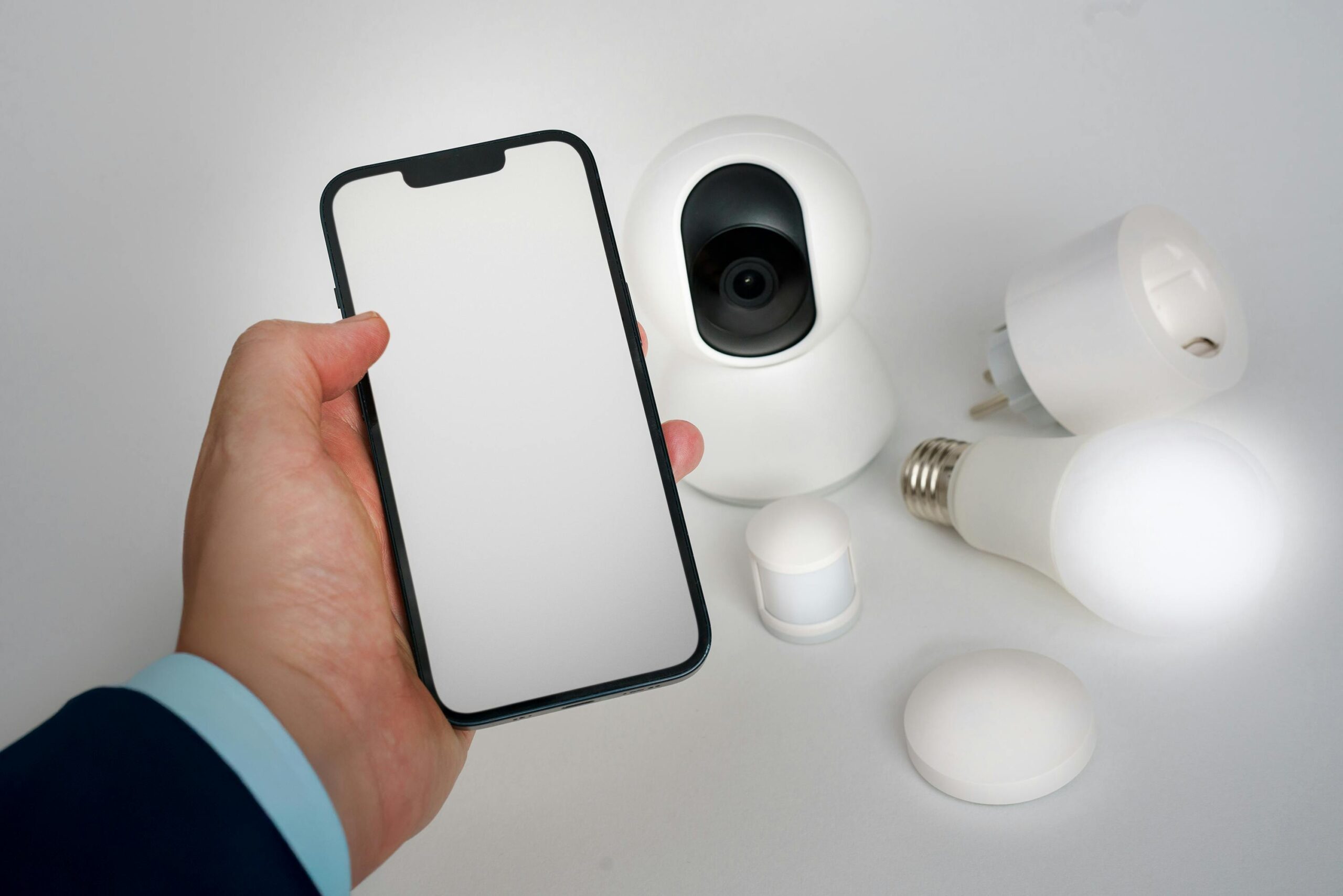
Smart home devices use state machines constantly. A smart thermostat has states like “heating,” “cooling,” “off,” and “away mode,” transitioning based on temperature readings and user schedules. Even their smartphone uses state machines to manage screen states (locked, unlocked, in-call) and app lifecycles (running, background, suspended).
This connection to real technology helps children see themselves as creators rather than just consumers. They begin to demystify the devices around them, understanding the logical principles behind seemingly magical behaviors. This perspective shift is empowering and often sparks deeper interest in computer science and engineering.
🎓 Measuring Progress and Celebrating Achievements
Tracking a child’s development with state machines doesn’t require formal assessments or tests. Progress reveals itself in the increasing complexity and creativity of their projects. Initially, they might design simple two-or three-state systems. Over time, they naturally create more elaborate machines with multiple paths and sophisticated transition logic.
Pay attention to how children explain their state machines. Early on, descriptions might be vague or incomplete. As understanding deepens, explanations become more precise and systematic. They start using terminology correctly and can predict system behavior without tracing through diagrams step by step—a sign of internalized understanding.
Celebrate milestones authentically. When a child successfully debugs a complex state machine they created, that’s a genuine achievement worth recognizing. Create opportunities to share projects with family members or classmates. Explaining their work to others reinforces understanding and builds communication skills alongside technical abilities.
💡 Keeping the Learning Fun and Sustainable
The key to long-term engagement is maintaining the fun factor. State machines should never feel like tedious homework. Follow the child’s interests—if they love animals, create state machines for different pet behaviors. If they’re into sports, model how a game progresses through different states from kickoff to final whistle.
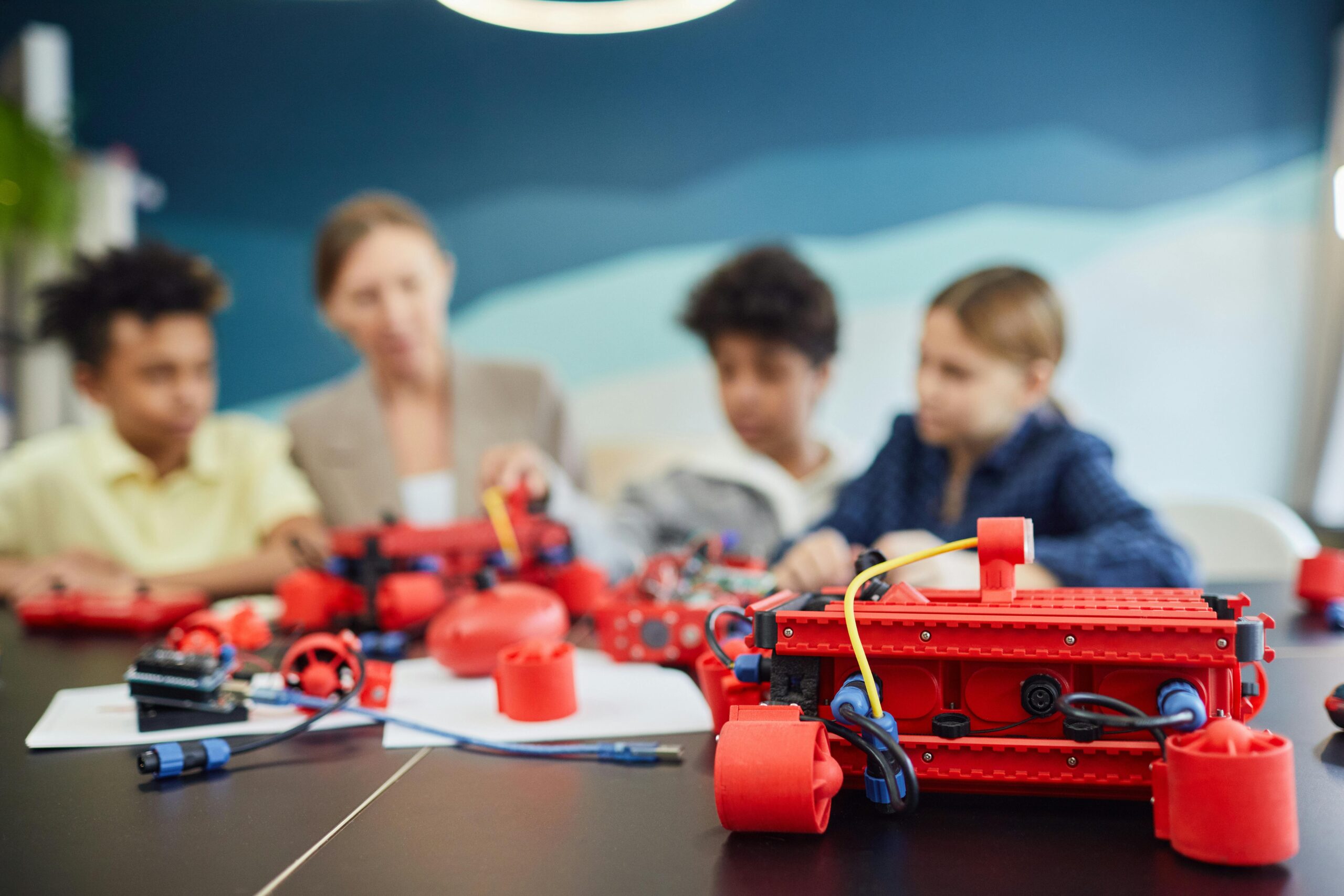
Vary the activities to prevent monotony. One session might focus on drawing diagrams, another on physical role-playing where children act out different states, and another on implementing designs in a coding platform. This variety keeps the core concepts fresh and reinforces them through multiple modalities.
Remember that learning isn’t linear. Some days will bring breakthrough moments; others might involve revisiting concepts that seemed mastered but need reinforcement. This ebb and flow is natural and healthy. Patience and flexibility from adults create space for genuine understanding to develop at each child’s own pace.
State machines offer a powerful yet accessible entry point into computational thinking. By framing abstract programming concepts in terms of familiar, observable systems, we help children build a strong foundation for problem-solving that will serve them throughout their lives. The combination of creativity, logic, and hands-on experimentation makes learning both effective and genuinely enjoyable. When we engage kids with state machines through projects they care about, using tools that match their developmental level, we’re not just teaching coding—we’re nurturing curious, capable thinkers ready to understand and shape the technological world around them.